Gemini Watermark Remover Pro
Auto Clean Image & Video
Remove the visible Gemini sparkle watermark from AI-generated images and videos. Auto-clean on download for Gemini and Google AI Studio. 100% local processing - your files never leave your device. Free credits to start.


What is Gemini Watermark Remover Pro?
Gemini Watermark Remover Pro removes the visible Gemini sparkle watermark from AI-generated images and videos. It is built for creators who export from Gemini or Google AI Studio and need clean assets for editing, publishing, or client delivery.
Unlike upload-based removers that send your media to remote servers, cleaning runs 100% locally in your browser. The algorithm uses reverse alpha blending to restore covered pixels instead of generative fill, so results stay sharp on original Gemini exports.
Use the free web tool at gwrp.orbitexaio.com, or the Chrome extension for auto-clean on download. Start with free credits, then upgrade only if you need more capacity.
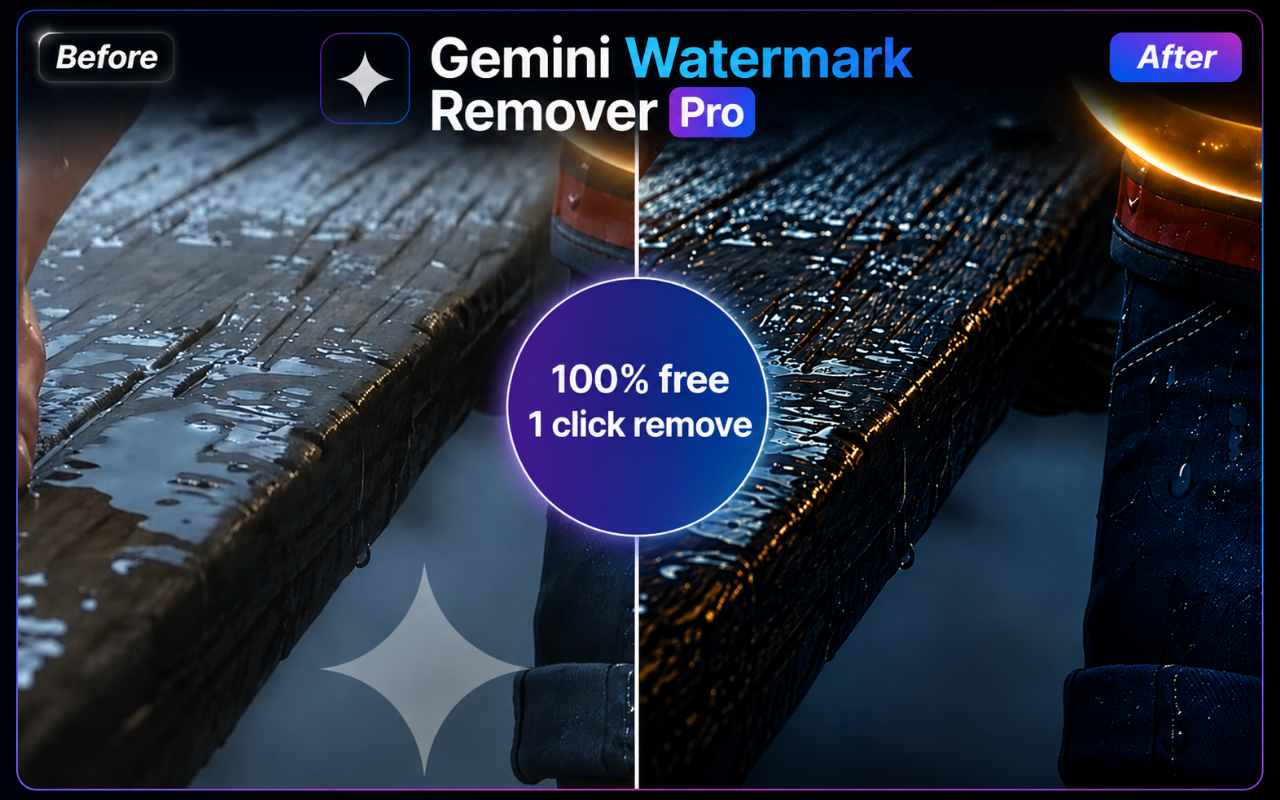
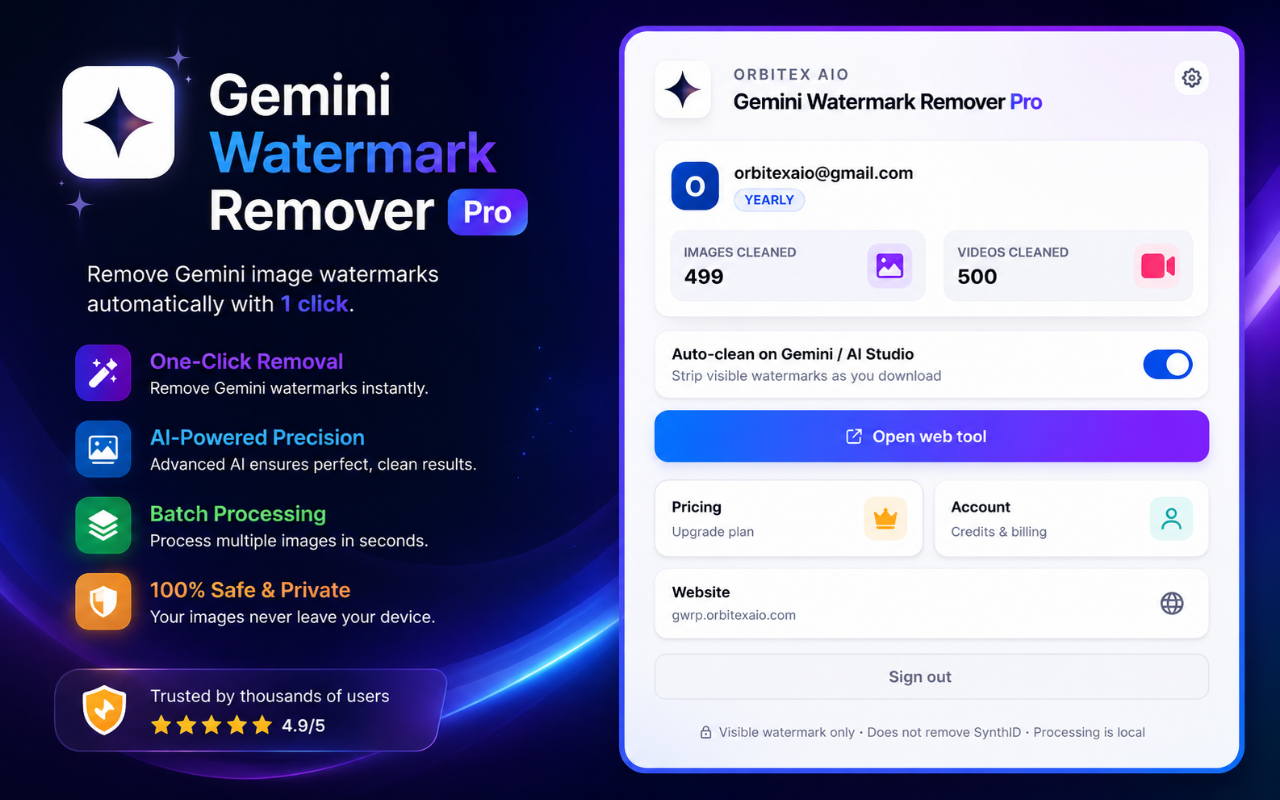
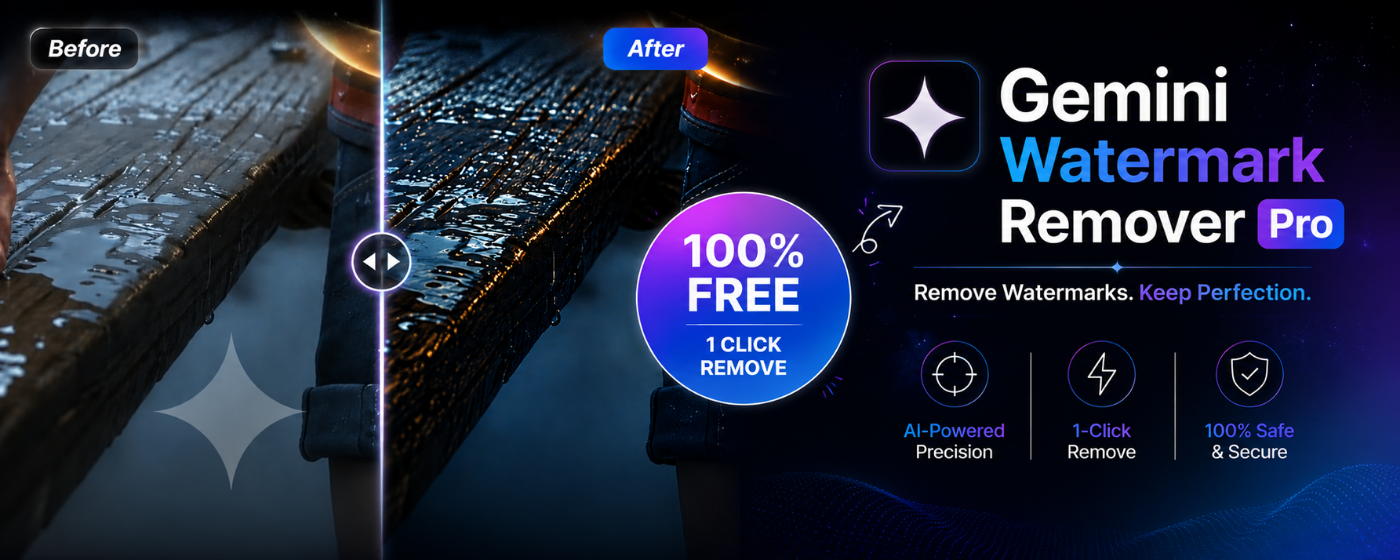
See the Interface in Action
Screenshots of the Gemini Watermark Remover Pro editor, workflow, and branding.
Powerful Cleaner Features
Everything you need to export clean Gemini media without uploading files to strangers.
Visible Watermark Removal
Strip the Gemini sparkle watermark from AI-generated images and videos with reverse alpha blending that restores pixels - not AI fill.
Auto-Clean on Download
On Gemini and Google AI Studio, the extension can clean files as you download so exports arrive without the overlay.
Images and Video
Clean PNG, JPG, and WebP images plus MP4/WebM video (video support in beta). Most rivals stop at stills only.
100% Local Processing
Media stays on your device. We never upload your image or video bytes to our servers for cleaning.
Free Credits to Start
Every account gets 3 free image cleans and 3 free video cleans. Upgrade when you need a bigger pool or Lifetime unlimited.
Web Tool + Extension
Use the full editor at gwrp.orbitexaio.com or install the Chrome extension for Gemini and AI Studio workflows.
Honest Limits
Removes the visible Gemini watermark only. Does not remove SynthID or other invisible watermarks.
Up to 100 MB Files
Process files up to 100 MB. Best results on original Gemini exports, not heavily recompressed screenshots.
How to Remove Gemini Watermarks
Get a clean export in under a minute with the web tool or extension.
Open the Tool or Install
Start on the free web tool, or add the Chrome extension when it is live on the Web Store for auto-clean on Gemini and AI Studio.
Sign In for Free Credits
Sign in with Google to unlock your starter credits: 3 image cleans and 3 video cleans included.
Upload or Auto-Clean
Drop a Gemini export into the editor, or download from Gemini / AI Studio with auto-clean enabled in the extension.
Save Clean Media
Download the cleaned file locally. Upgrade on pricing if you need more credits or Lifetime unlimited cleans.
Simple Pricing
Start free. Upgrade only when you need more cleans. Checkout via Lemon Squeezy on the product site.
Upload sites vs GWRP
See why local cleaning beats random watermark websites.
| Task/Feature | Typical Online Tools | Gemini Watermark Remover Pro |
|---|---|---|
| Remove Gemini watermark (images) | Manual edit / crop / clone | One-click local clean |
| Video watermark clean | Rare or image-only tools | Video support (beta) |
| Auto-clean on Gemini download | Re-upload to random sites | Extension auto-clean |
| Privacy (no media upload) | Many tools upload your files | 100% local processing |
| AI Studio support | Often Gemini-only | Gemini + AI Studio |
| Transparent pricing | Hidden upsells / ads | Free credits + clear plans |
Guide to Gemini Watermark Removal
Why Gemini Exports Include a Visible Watermark
Gemini and Google AI Studio often stamp a small sparkle-style watermark on generated images and some video exports. That mark is fine for drafts, but it gets in the way when you need clean assets for YouTube thumbnails, client decks, product mockups, or social posts. A dedicated remover saves hours of manual cloning in Photoshop or CapCut.
Local Processing vs Upload-Based Removers
Many free watermark sites ask you to upload the full file. That means your AI media sits on someone else's server, often with unclear retention policies. Gemini Watermark Remover Pro runs the clean step in your browser. Your image and video bytes are not sent to Orbitex servers for processing - only account and credit metadata are synced so free and paid limits work across devices.
Auto-Clean on Gemini and AI Studio Downloads
The Chrome extension is built for the places you already work: Gemini and Google AI Studio. When auto-clean is enabled, downloads can be processed as they land so you skip the manual upload dance. Prefer a one-off file? Open the web editor, drop the export in, and save the cleaned result.
Visible Watermark Only - Not SynthID
Be clear about scope: this product removes the visible Gemini watermark. It does not claim to strip SynthID or other invisible watermarking systems. That honesty matters for compliance and for setting the right expectation before you buy credits.
When to Upgrade from Free Credits
Free starter credits (3 images + 3 videos) are enough to validate quality on your own exports. Creators who batch clean weekly usually move to Monthly or 4-Month pools. Heavy production teams often choose Yearly or Lifetime for unlimited cleans. Pricing always lives on the product site so checkout stays in one place.
Gemini Watermark vs SynthID
Google applies two different marks to AI-generated media. This tool touches one of them. Here is exactly what changes and what does not.
Visible sparkle watermark
The Gemini logo overlay burned into the corner of your export. It is ordinary pixel data composited on top of the image or video frame.
Removed - reverse alpha blending restores the original pixels underneath at full resolution, rather than painting over them with generative fill.
SynthID (invisible)
Google's imperceptible provenance signal, embedded across the media itself so detection tools can identify it as AI-generated. It is not a visible overlay.
Not removed, and not targeted. Cleaned files stay identifiable as AI-generated by SynthID detection. This tool is for tidying up your own exports, not for disguising their origin.
Use this on media you generated yourself and have the rights to. Removing a visible watermark does not transfer ownership of someone else's work, and does not strip the provenance metadata that identifies AI-generated content.
Frequently Asked Questions
Common questions about Gemini Watermark Remover Pro.
Clean Your Next Gemini Export
Install the Chrome extension for auto-clean on download, or start with free credits on the web tool.